
A real file host — minus the cloud
Discovery, pairing, browsing, transfers and an audit trail. Built for the same Wi-Fi you’re already on.
From folder to phone in under a minute

Any Apple device can host — or connect
Every LoopStream device plays both roles. Your iPhone can host its camera roll while your Mac connects to grab it — all on your Wi-Fi or an encrypted remote.
Local & Remote File Sharing, built by Tecno Blocks
LoopStream is a local-first file sharing app by Tecno Blocks. It lets users share one folder across their Apple devices — iPhone, iPad, Mac, Apple TV, and Apple Watch — over Wi-Fi, with no cloud storage and no account. Remote access is available through an encrypted relay with LoopStream Pro. Windows, Linux, and Android apps are coming soon.
Why LoopStream
- No account required for local sharing
- No cloud upload for local transfers
- PIN and QR pairing
- Shared-folder control
- Native iPhone, iPad, Mac, Apple TV & Apple Watch apps
- Windows, Linux & Android coming soon
- Optional encrypted remote access with Pro
Best for
- 1Sharing files between iPhone, iPad, and Mac
- 2Streaming media to Apple TV
- 3Sharing across your Apple devices on one Wi-Fi network
- 4Sharing a local folder without uploading files to cloud storage
- 5Accessing selected files remotely with encrypted Pro relay
- 6Giving trusted devices controlled access to one shared folder
Local sharing is free. Go anywhere with Pro.
Sharing on your own Wi-Fi is free forever — every platform, every device, no account. Reaching your files from outside your network is LoopStream Pro.
One library, every screen
Native apps across iPhone, iPad, Mac and Apple TV — plus a no-install web player. Browse and stream the same shared library anywhere.
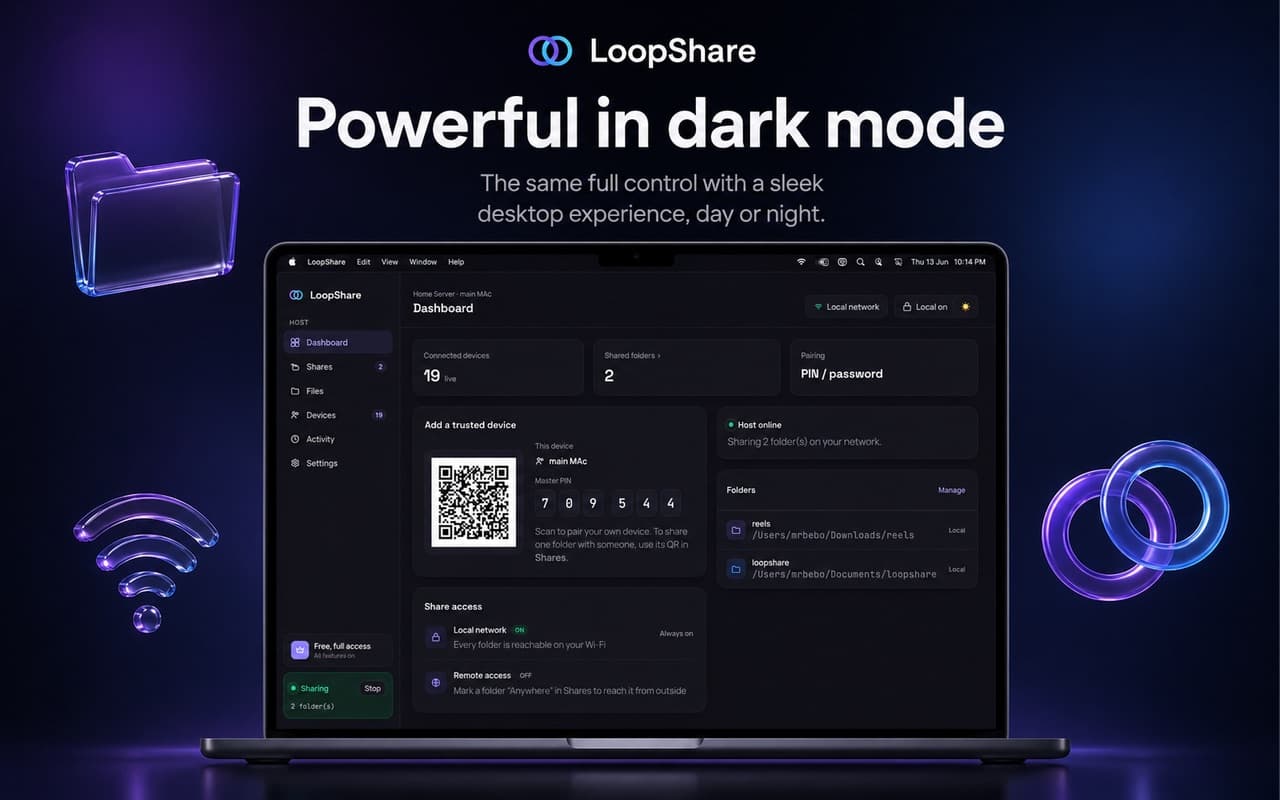
Mac
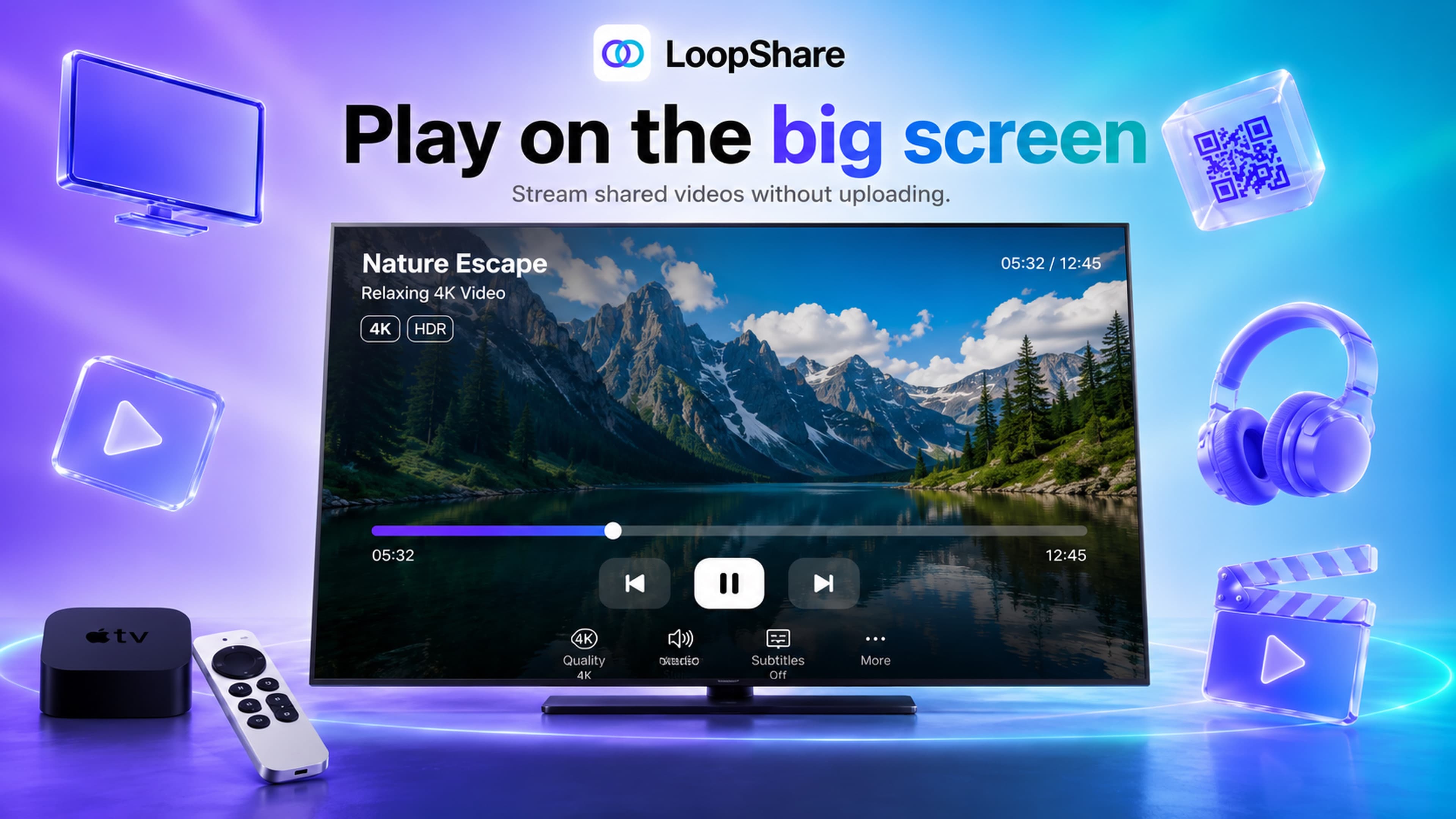
Apple TV
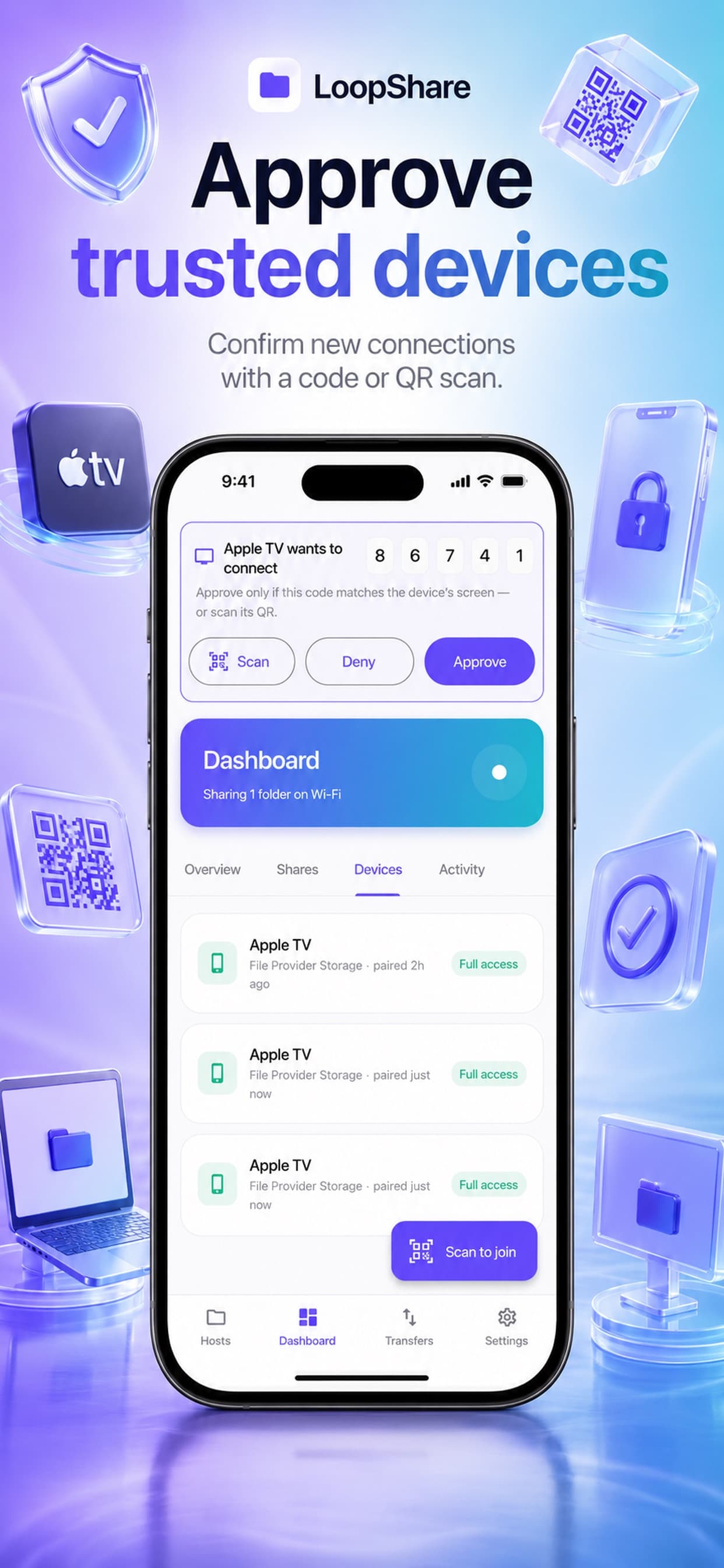
iPhone
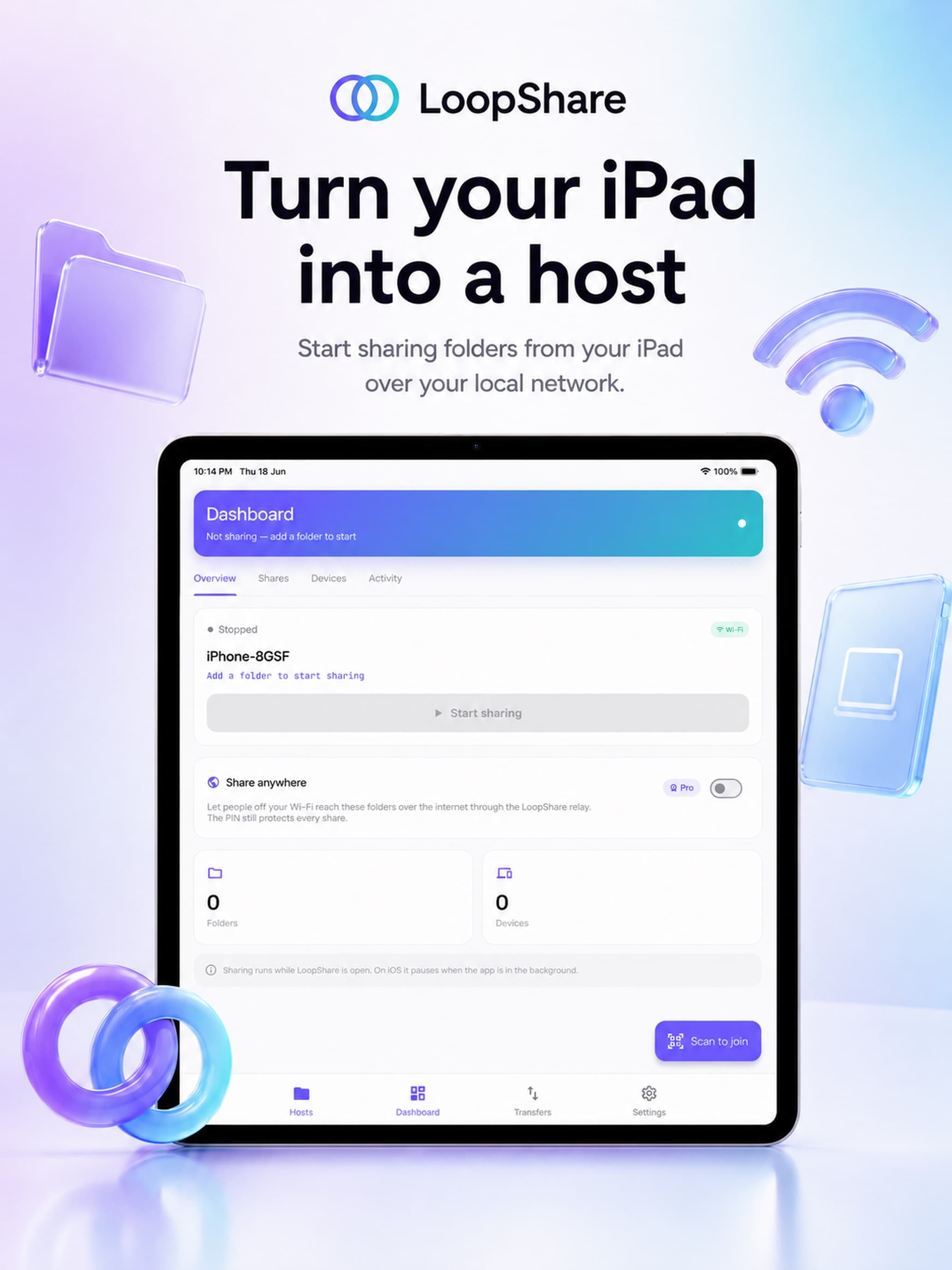
iPad
LoopStream — frequently asked questions
Straight answers about local sharing, privacy, Apple TV, pricing, and Pro.
What is LoopStream?
LoopStream is a local-first file sharing app that lets you share one folder across your devices over Wi-Fi or through encrypted remote access with Pro.
How does LoopStream work?
Choose a folder to share, connect your devices to the same Wi-Fi network, and pair with a QR code or PIN. Your files stay on your device and are browsed directly over the network — nothing is uploaded to cloud storage for local sharing.
Who is LoopStream for?
LoopStream is for families, creators, students, developers, and home users who want fast, private file sharing between their own devices without accounts or cloud uploads.
Is LoopStream a cloud storage app?
No. LoopStream is designed for local-first sharing. It does not require uploading your files to cloud storage for normal local network sharing. Remote access with Pro uses an encrypted relay rather than a cloud drive.
Is LoopStream free?
Yes. Local Wi-Fi sharing is free. LoopStream Pro unlocks remote access and other advanced features where available.
Does LoopStream require an account?
No account is required for local Wi-Fi sharing.
Can I use LoopStream with Apple TV?
Yes. LoopStream supports Apple TV, so you can browse and stream shared media on the big screen.
How do devices connect?
Devices can pair using a PIN or QR code, then access only the folder you choose to share.
Is LoopStream an AirDrop alternative?
LoopStream can be used as an AirDrop alternative when you want folder-based local sharing across more platforms and devices.
Is LoopStream a Dropbox alternative?
LoopStream is not a full cloud-storage replacement. It is better described as a private local-first file sharing and remote access tool for selected folders.
Which devices does LoopStream support?
LoopStream is available today on iPhone, iPad, Mac, Apple TV, and Apple Watch through the App Store. Windows, Linux, and Android apps are coming soon.
What is LoopStream Pro?
LoopStream Pro unlocks remote encrypted access and advanced sharing features where available. Local Wi-Fi sharing remains free.